In today’s tech-driven world, staying connected while driving has become more than just a convenience—it's an expectation. Apple CarPlay, introduced in 2014, revolutionized how drivers interact with their smartphones through their car’s infotainment system. While the wired version of CarPlay has been widely adopted, the rise of wireless CarPlay adapters marks a significant leap forward in user experience and vehicle integration. This blog post explores everything you need to know about the CarPlay wireless adapter—from what they are and how they work to why they’re worth investing in, and how to choose the best one for your needs.
What Is a CarPlay Wireless Adapter?
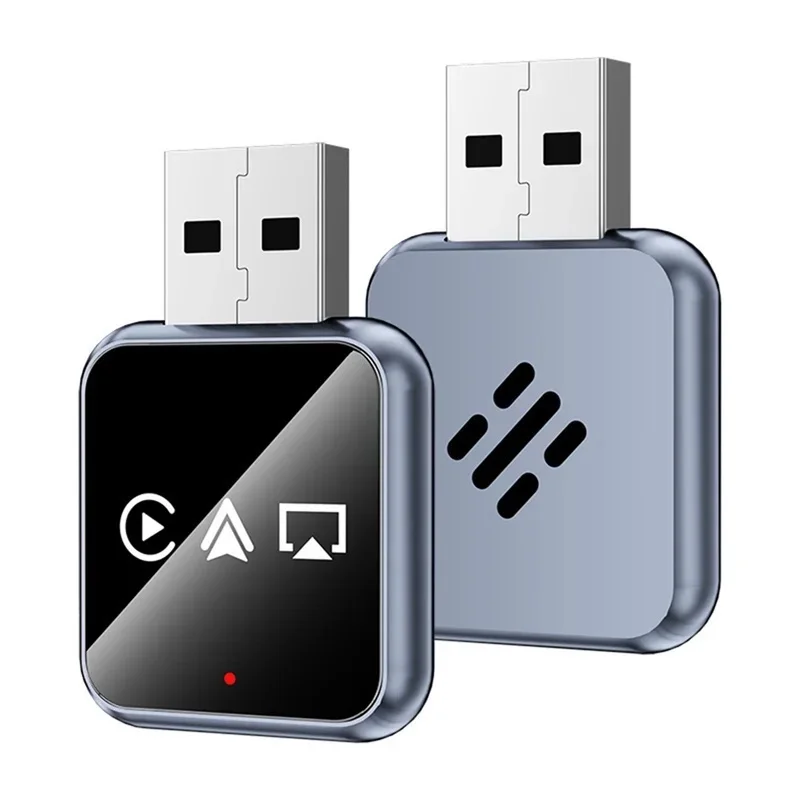
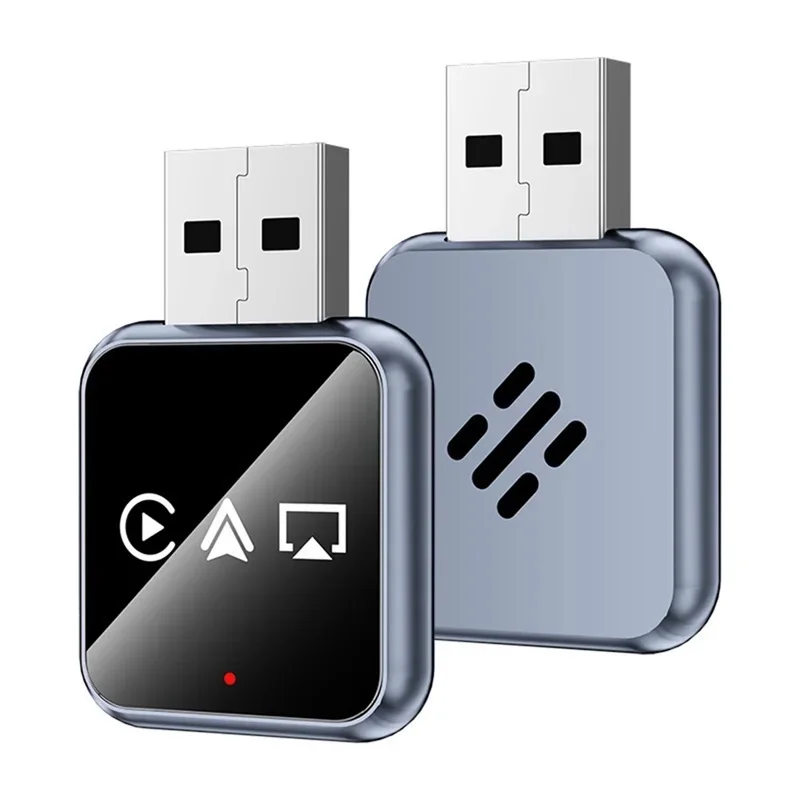
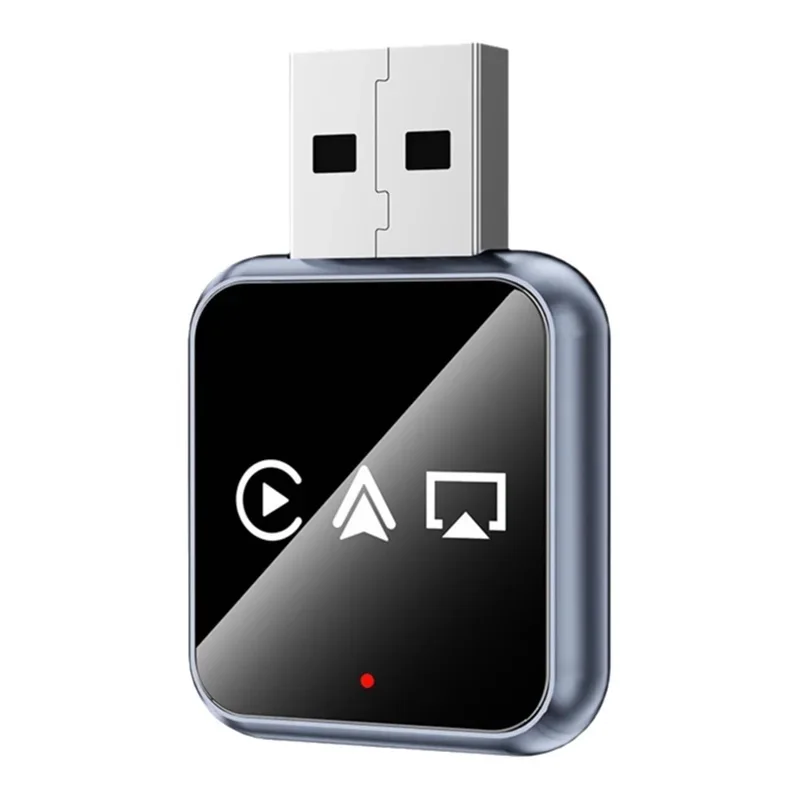
A CarPlay wireless adapter is a small hardware device that enables wireless connectivity between your iPhone and your car’s multimedia system, allowing you to use Apple CarPlay without needing a USB cable. Traditionally, Apple CarPlay required a physical connection via Lightning or USB-C cable, which could be cumbersome, especially when using phone mounts or charging your device simultaneously.
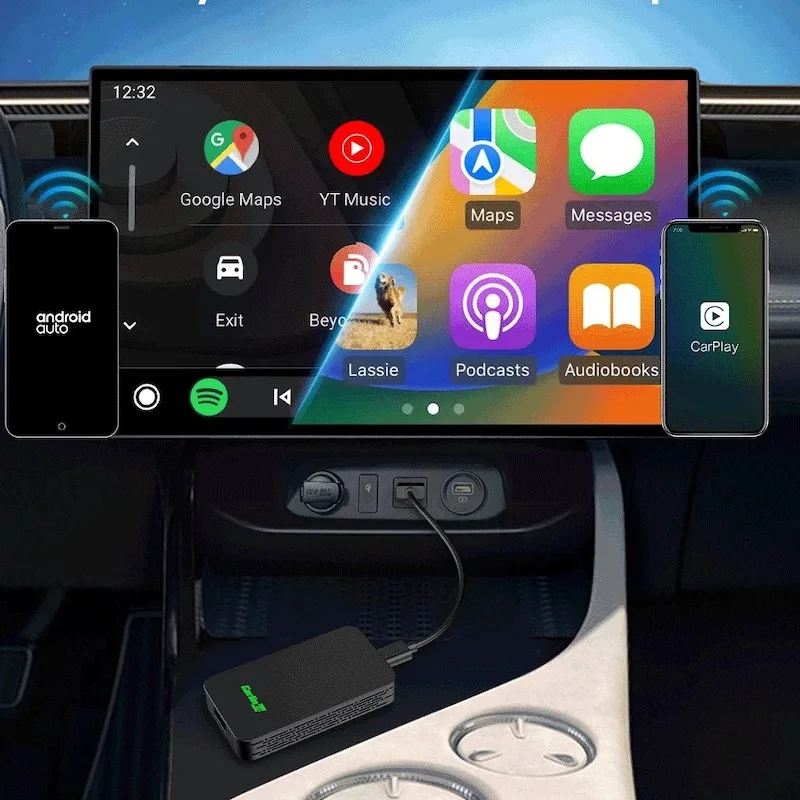
Wireless CarPlay adapters bridge this gap by transmitting audio, video, and control signals wirelessly—typically over Bluetooth or Wi-Fi—to your car’s built-in display or head unit. These adapters often plug into your car’s existing USB port (usually under the dashboard or near the center console) and communicate with your iPhone via a dedicated app or automatic pairing. Once set up, your iPhone connects seamlessly to your car’s system, enabling access to apps like Maps, Messages, Music, Podcasts, and more—all through voice commands or touch controls on your car’s screen.
The result? A cleaner cabin, fewer cables, and a smoother, more intuitive driving experience that aligns with modern expectations of seamless technology integration.
How Does a Wireless CarPlay Adapter Work?
At its core, a wireless CarPlay adapter acts as a bridge between your iPhone and your car’s infotainment system. Here's a step-by-step breakdown of how it functions:
- Installation: Most adapters are plug-and-play devices that connect to your car’s USB port. Some may require a small power source or a dedicated mounting bracket depending on the model.
- Pairing: After installation, you’ll typically open the adapter’s companion app (if applicable) or follow on-screen prompts to pair your iPhone with the adapter. This process usually involves entering a PIN or confirming a connection request on your iPhone.
- Connection: Once paired, your iPhone communicates wirelessly with the adapter using either Bluetooth Low Energy (BLE) or Wi-Fi Direct. The adapter then relays data to your car’s head unit via the same USB port used for power, effectively mimicking the functionality of a wired connection.
- CarPlay Activation: When your car is powered on, the adapter automatically detects your iPhone and initiates a CarPlay session—no manual switching required. You’ll see the familiar CarPlay interface on your car’s display, ready for navigation, music, calls, or messages.
- Seamless Integration: With the right setup, the entire experience feels as natural as using CarPlay via cable—except now you’re free from cords. Voice commands via Siri still work, and apps respond instantly, making it ideal for hands-free operation.
This seamless interaction is possible because modern wireless adapters leverage the same protocols Apple uses for its own wireless CarPlay implementation in newer vehicles—ensuring compatibility, low latency, and reliable performance.
Why Upgrade to a Wireless CarPlay Adapter?
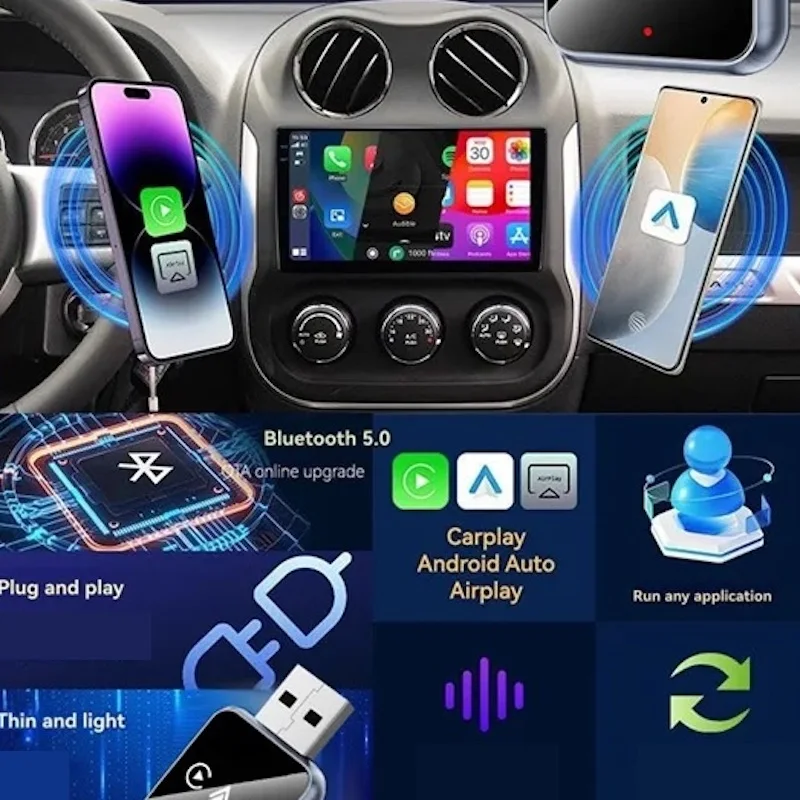
If your car doesn’t support native wireless CarPlay (which only became standard in newer models from 2021 onward), a wireless adapter is your best bet for enjoying the benefits of wireless connectivity. Here are several compelling reasons to make the switch:
- Cable-Free Convenience: No more fumbling with USB cables or worrying about damaged ports. Simply place your phone in the mount and go.
- Improved Aesthetics: Fewer cables mean a cleaner interior. This is especially important for luxury cars where minimalism and design matter.
- Better Charging Compatibility: Many wireless adapters allow your phone to charge while connected to CarPlay—ideal for long drives or daily commutes.
- Enhanced Safety: With fewer distractions from managing cables, your focus remains on the road. Plus, voice commands and touch-based controls reduce the need to handle your phone manually.
- Future-Proofing: As more cars adopt wireless CarPlay natively, having an adapter ensures your older vehicle can keep pace with the latest features.
- Compatibility with Older Cars: If your car lacks built-in CarPlay entirely, some adapters can even enable basic CarPlay functionality—even if it’s not fully wireless in every aspect.
For drivers who value both convenience and safety, a wireless CarPlay adapter isn’t just a nice-to-have—it’s a smart upgrade that brings modern smartphone capabilities directly into your vehicle.
Key Features to Look For in a Wireless CarPlay Adapter
Not all adapters are created equal. To ensure you get the best experience, consider these essential features when choosing a wireless CarPlay adapter:
- Plug-and-Play Setup: Look for models that don’t require complex configuration. Ideally, the adapter should auto-detect your iPhone and establish a connection within seconds.
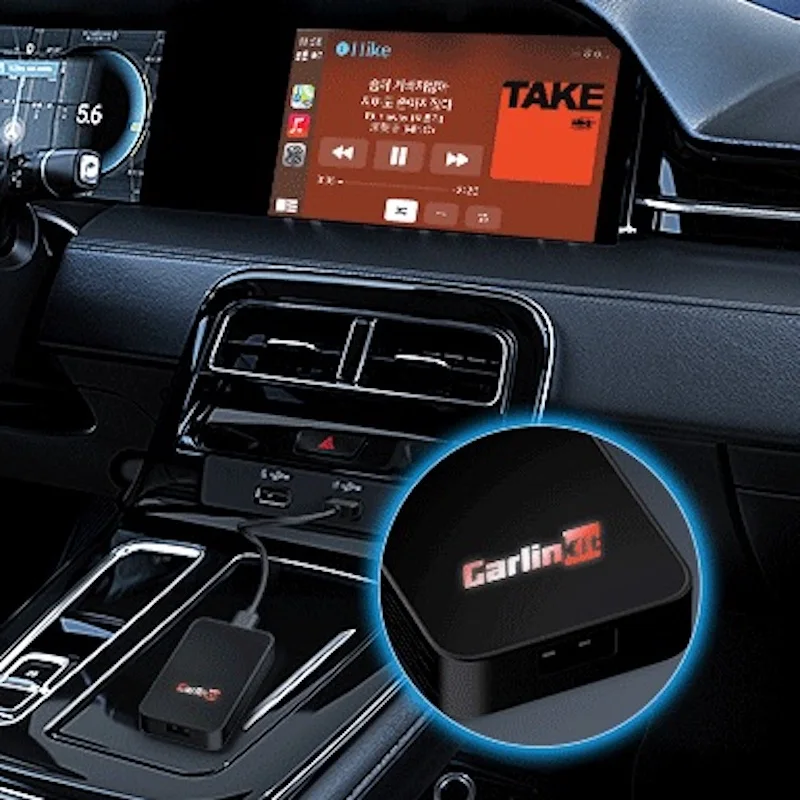
- Dual USB Ports: Many adapters offer two USB ports—one for the adapter itself and another for charging your phone. This is crucial for keeping your device powered during long trips.
- Stable Connection Technology: Opt for adapters that use Wi-Fi Direct or advanced Bluetooth protocols to minimize lag or disconnections. Poor signal strength can lead to frustrating interruptions.
- App Support: Some adapters come with companion apps that let you manage settings, update firmware, or troubleshoot issues. Check reviews to ensure the app is well-maintained and user-friendly.
- Compatibility: Confirm that the adapter supports your specific car model and year. While most work with any car that has a USB port, some may require additional software or have limitations based on OEM systems.
- Build Quality and Design: Choose a compact, durable adapter with good heat dissipation. Avoid flimsy plastic designs that might fail after repeated use.
- Customer Support and Warranty: Reliable manufacturers provide clear documentation, responsive customer service, and a solid warranty—often 1–2 years—to protect your investment.
By prioritizing these features, you’ll avoid common pitfalls like unstable connections, poor build quality, or lack of support—and enjoy a truly wireless CarPlay experience.
Top Wireless CarPlay Adapters
As of 2024, several brands dominate the wireless CarPlay adapter market. Here are three standout options:
Belkin CarPlay Wireless Adapter (Model: WCH901)
- Pros: Plug-and-play simplicity, dual USB ports, excellent build quality, and strong Wi-Fi Direct signal.
- Cons: Slightly higher price point; no companion app for advanced settings.
- Best For: Drivers seeking reliability and ease of use without extra bells and whistles.
Mophie CarPlay Wireless Adapter
- Pros: Sleek design, integrated charging, works with both iOS and Android (for non-CarPlay features), and includes a companion app for diagnostics.
- Cons: App occasionally lags during initial setup.
- Best For: Tech-savvy users who want detailed control and monitoring.
Anker CarPlay Wireless Adapter (Model: C201)
- Pros: Affordable, lightweight, and compatible with most cars; supports fast charging.
- Cons: Limited customization options compared to premium models.
- Best For: Budget-conscious buyers who still want solid performance.
Each of these adapters offers unique strengths, so your choice will depend on your priorities—whether it’s cost, features, or brand trust.
Tips for Getting the Most Out of Your Wireless CarPlay Adapter
To ensure a smooth and frustration-free experience, follow these pro tips:
- Keep Firmware Updated: Regularly check for updates via the companion app (if available). New firmware often improves stability and adds new features.
- Use a High-Quality Phone Mount: A secure mount prevents your phone from slipping during turns or sudden stops—a key factor in maintaining consistent wireless connectivity.
- Avoid Signal Interference: Keep the adapter away from metal surfaces or other electronic devices that might interfere with Wi-Fi or Bluetooth signals.
- Test Before Long Trips: Run a quick test drive before embarking on a road trip to confirm the connection is stable and responsive.
- Enable “Auto Connect” on iPhone: In your iPhone’s Settings > General > CarPlay, ensure "Automatically Connect" is turned on so your car pairs quickly each time you start the engine.
- Consider Backup Options: If your adapter fails, always carry a spare Lightning cable as a backup. It’s better to be prepared than stranded mid-drive.
With these tips, your wireless CarPlay setup will feel as seamless and reliable as the factory-installed versions found in newer vehicles.
Final Thoughts
Wireless CarPlay adapters are more than just a gadget—they represent the evolution of in-car technology toward smarter, safer, and more user-friendly experiences. Whether you're upgrading an older car or simply tired of tangled cables, investing in a high-quality wireless adapter can transform your daily commute into a more enjoyable, connected journey.
As automakers continue to embrace wireless technologies, the CarPlay wireless adapter serves as a powerful bridge between legacy systems and future-ready infotainment. So, if you haven’t already, take the plunge—your iPhone, your car, and your driving experience will thank you.