
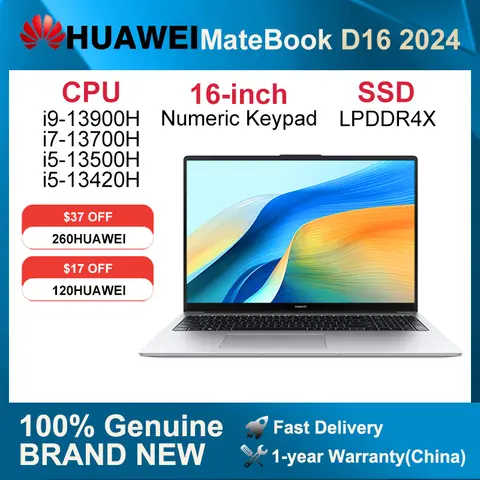





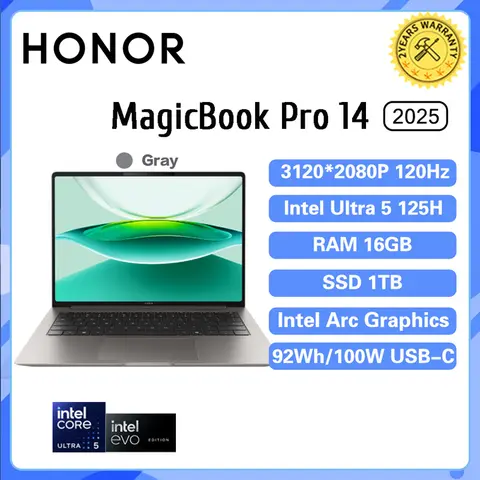
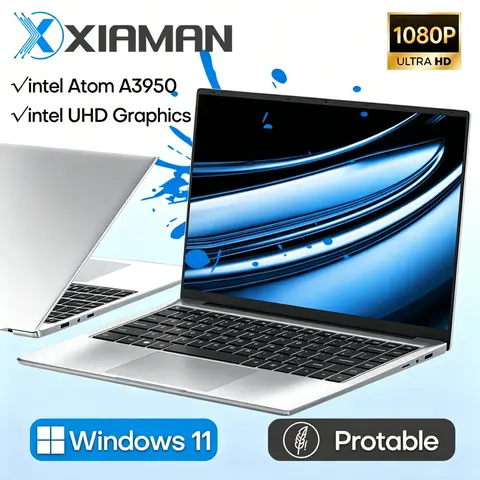


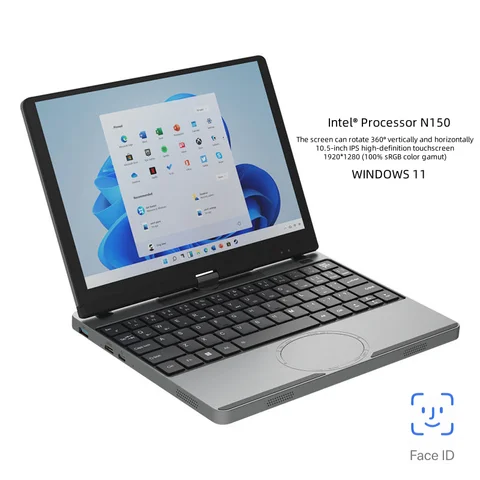



Results for laptop without operating system
Laptops without an operating system are ideal for users seeking maximum control, customization, or cost efficiency—perfect for developers, IT professionals, or those installing Linux, Windows, or specialized software from scratch.
When searching for laptop without operating system, users typically intend to purchase a barebones device that allows full control over the software environment. This search reflects a clear intent to avoid pre-installed OS bloatware, reduce licensing costs, or install a specific OS (like Linux distributions such as Ubuntu or Debian) tailored to their workflow. These laptops are especially popular among developers, educators, and tech enthusiasts who prioritize performance, security, and flexibility.
To ensure a smooth setup, follow these steps:
Avoid common pitfalls: Ensure the laptop supports UEFI boot mode if installing modern Linux or Windows. Some older models may lack secure boot support, which can cause installation issues. Always back up any existing data before installation. Additionally, confirm that essential drivers (Wi-Fi, graphics, audio) are available for your chosen OS—many Linux distributions offer excellent hardware support, but niche or older hardware may require manual driver downloads.
For users on a budget, purchasing a laptop without an OS can save $100–$200 in licensing fees. For developers, it ensures a clean, minimal environment free from unnecessary background processes. For educational institutions, it enables standardized, secure deployments across multiple devices.
Ultimately, a laptop without an operating system is not a limitation—it’s a powerful advantage for those who value control, customization, and efficiency. Whether you're building a development workstation, setting up a privacy-focused machine, or experimenting with open-source software, this setup offers unmatched flexibility and performance.
When searching for laptop without operating system, users typically intend to purchase a barebones device that allows full control over the software environment. This search reflects a clear intent to avoid pre-installed OS bloatware, reduce licensing costs, or install a specific OS (like Linux distributions such as Ubuntu or Debian) tailored to their workflow. These laptops are especially popular among developers, educators, and tech enthusiasts who prioritize performance, security, and flexibility.
- Barebones Laptop
- A laptop sold without an operating system, enabling users to install their preferred software from a bootable USB or external drive.
- Pre-installed OS
- A system software (e.g., Windows, macOS) already loaded on the device at the time of purchase, which may include licensed software and bundled applications.
- Bootable USB Drive
- A portable storage device containing an OS installer that can be used to install or repair an operating system on a laptop.
To ensure a smooth setup, follow these steps:
- Verify the laptop’s hardware compatibility with your chosen OS (e.g., check CPU architecture: x86_64 vs ARM).
- Download the official ISO file for your desired OS (e.g., Ubuntu, Fedora, or Windows 11) from the official website.
- Create a bootable USB using tools like Rufus (Windows) or Balena Etcher (cross-platform).
- Boot the laptop from the USB by accessing the boot menu (usually via F12, ESC, or F2 during startup).
- Follow the on-screen installation prompts to format the drive and install the OS.
Avoid common pitfalls: Ensure the laptop supports UEFI boot mode if installing modern Linux or Windows. Some older models may lack secure boot support, which can cause installation issues. Always back up any existing data before installation. Additionally, confirm that essential drivers (Wi-Fi, graphics, audio) are available for your chosen OS—many Linux distributions offer excellent hardware support, but niche or older hardware may require manual driver downloads.
For users on a budget, purchasing a laptop without an OS can save $100–$200 in licensing fees. For developers, it ensures a clean, minimal environment free from unnecessary background processes. For educational institutions, it enables standardized, secure deployments across multiple devices.
Ultimately, a laptop without an operating system is not a limitation—it’s a powerful advantage for those who value control, customization, and efficiency. Whether you're building a development workstation, setting up a privacy-focused machine, or experimenting with open-source software, this setup offers unmatched flexibility and performance.