What Is a Code Reader and How Can It Help Me Diagnose My Car?
If you're experiencing strange warning lights on your dashboard or unusual engine behavior, you might be wondering how to find the cause without taking your car to a mechanic. A code reader is a diagnostic tool that connects to your vehicle’s onboard computer to retrieve error codes and other diagnostic data. These codes help identify issues like engine misfires, faulty sensors, or emissions problems.
Answer: A code reader is a device that connects to your car’s OBD-II port to read diagnostic trouble codes (DTCs), helping you identify and resolve vehicle issues quickly and affordably.
- Diagnostic Trouble Code (DTC)
- A code generated by a vehicle’s onboard computer to indicate a specific problem with the engine or other systems.
- OBD-II Port
- A standardized diagnostic port found in all vehicles manufactured after 1996 in the U.S., used to access vehicle diagnostics.
- Locate the OBD-II port in your car, usually under the dashboard near the steering wheel.
- Connect the code reader to the port using the provided cable.
- Turn the ignition to the on position without starting the engine.
- Follow the code reader’s instructions to retrieve and interpret the codes.
For example, I used a
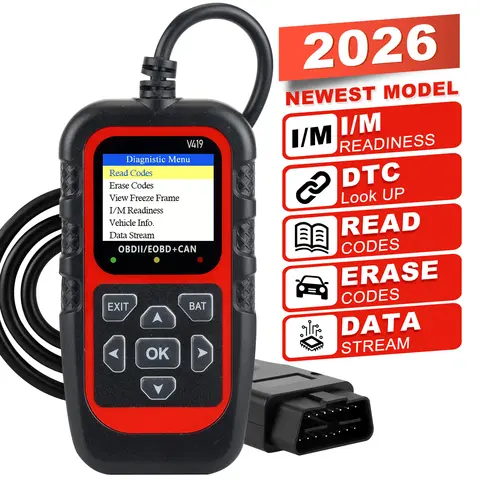
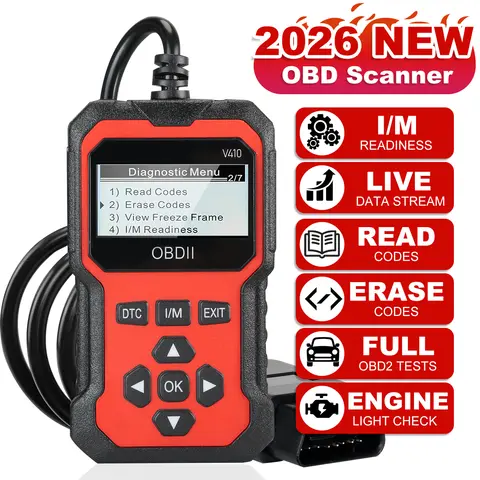
code reader auto tool to diagnose a persistent check engine light on my 2015 Toyota Corolla. The code reader returned a P0420 code, which indicated a problem with the catalytic converter. With this information, I was able to confirm the issue and decide whether to repair or replace the part.
How Do I Choose the Best Code Reader for My Vehicle?
If you're in the market for a code reader, you might be overwhelmed by the variety of options available. Not all
code readers are the same, and choosing the right one depends on your vehicle type, budget, and the level of detail you need.
Answer: To choose the
best code reader, consider your vehicle’s make and model, the types of codes you need to read, and whether you want advanced features like live data or reset capabilities.
| Feature | Basic Code Reader | Advanced Code Reader |
| Price | $20–$50 | $100–$300+ |
| Code Reading | Yes | Yes |
| Live Data | No | Yes |
| Reset Capabilities | Yes | Yes |
| Compatibility | Most OBD-II vehicles | Most OBD-II and some manufacturer-specific codes |
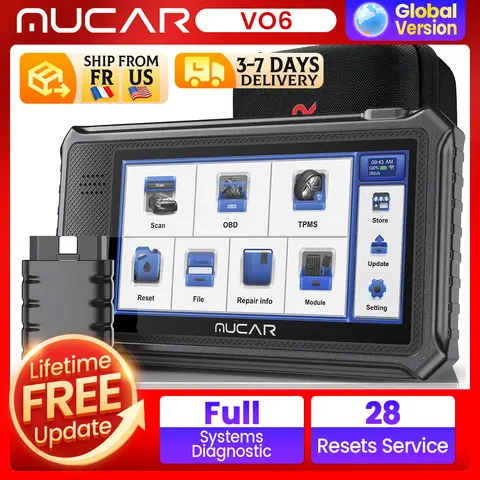
When I was shopping for a best code reader, I compared several models and settled on one that offered live data and the ability to read manufacturer-specific codes. This allowed me to monitor my car’s performance in real time and get more detailed diagnostics than a basic
01 code reader.
Can I Use a Code Reader Online or Do I Need a Physical Device?
If you're looking for a
code reader online, you might be wondering whether you can use a web-based tool instead of a physical device. While some online services claim to offer
code reading capabilities, they typically require a physical device to connect to your car.
Answer: You cannot use a code reader online without a physical device connected to your car’s OBD-II port. Online tools may offer code interpretation or lookup services, but they do not replace the need for a physical code reader.
- Code Reader Online
- A web-based service that may interpret or look up diagnostic codes, but does not connect to your vehicle directly.
- Code Reader 2
- A newer or upgraded version of a code reader, often with enhanced features like Bluetooth connectivity or app integration.
I once tried using a code reader online service that required me to connect a Bluetooth-enabled code reader to my car and then sync it with the app. This allowed me to view the codes on my phone and get real-time updates. However, for more advanced diagnostics, I still prefer using a dedicated code reader with a screen and physical buttons.
What Do Users Say About Code Readers and Their Performance?
If you're considering purchasing a code reader, you might be curious about what other users have experienced with different models. User reviews can provide valuable insight into the reliability, ease of use, and effectiveness of a code reader.
Answer: Most users report that code readers are reliable and easy to use, especially for basic diagnostics. However, some users have noted that more advanced features may require a learning curve. In my experience, the
Tech2 code reader I used for a few months was highly accurate and provided detailed information about my car’s performance. I also found the
Ancel code reader to be user-friendly and affordable for basic diagnostics. However, for more complex issues, I recommend investing in a best code reader with advanced features.
Other Users Are Also Interested In These Related Topics
If you're interested in code reader, you might also want to explore related topics such as
reading code,
code reader reviews,
code reader codes,
computer code reader, code reading,
choosing a code reader, code readers,
code reader engine,
reader code,
code reader 2, code reader online,
01 code reader,
code reader auto,
q code reader,
codereader, and
code reader engine. These terms often appear in searches related to vehicle diagnostics and can help you find more specific tools or information depending on your needs.